
Quick answer
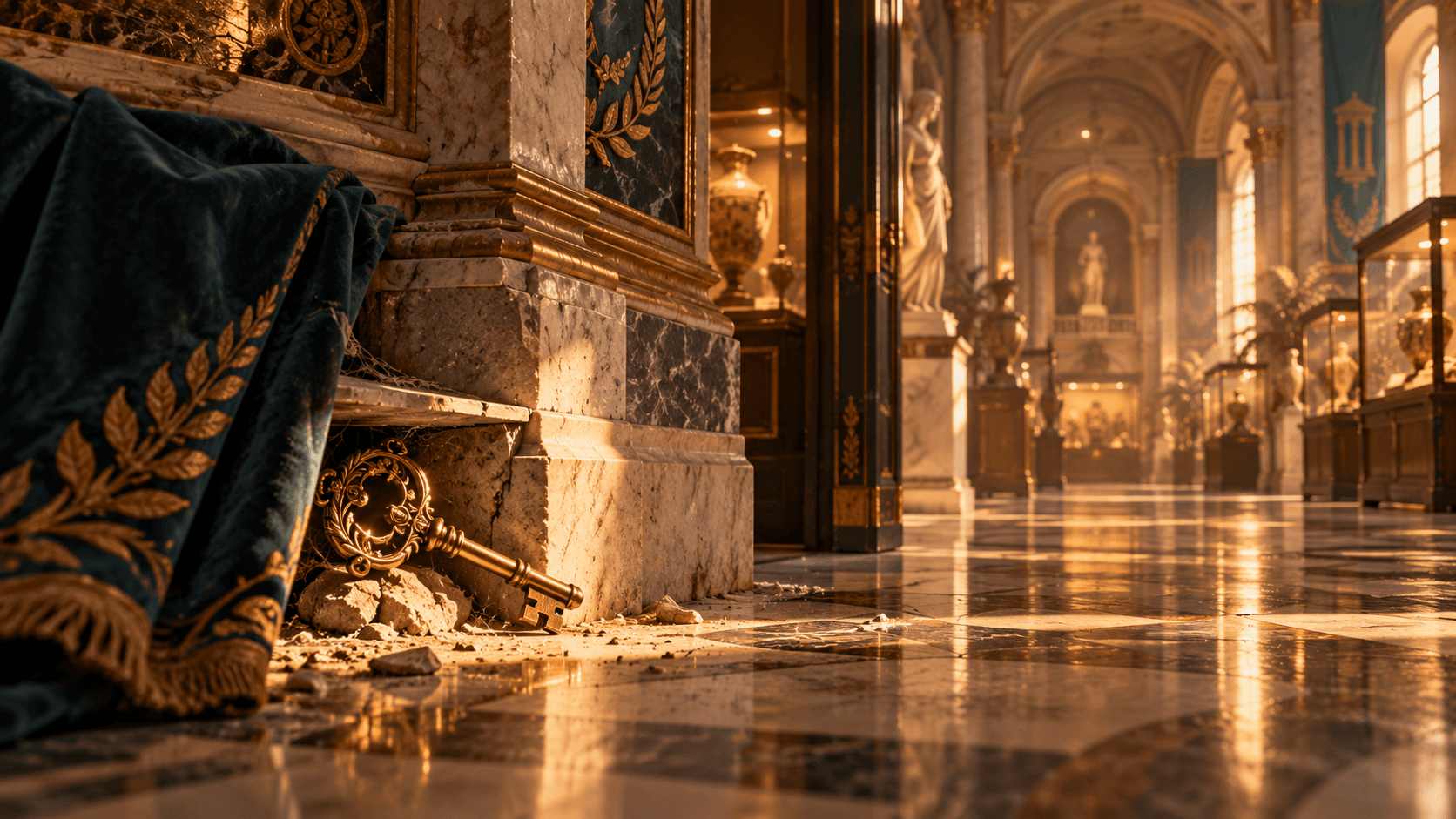
Keys control access to Tidy Up History's locked museum wings. The dependable way to find them is to fully search every room you can already enter while cleaning and repairing it: follow the perimeter, inspect tables and crates, look above eye level, and listen for the game's key cue. The project research confirms keys associated with Egypt, ancient China, Japan/Korea, the Islamic World, dinosaur exhibits, and later historical galleries, but it does not verify a stable exact coordinate for every key across all patches. This page therefore separates confirmed progression facts from positions that still need in-game confirmation. If the Egypt route is genuinely blocked by a missing key, the built-in Cheats menu code 42144432 grants the Egypt Key.
Confirmed key and door relationships
Collected full-play footage confirms that found keys are named for the exhibit or door they open. Verified examples in the project material include Egypt, ancient China, Japan/Korea, the Islamic World, and dinosaur exhibit doors. The footage also shows later access to Stone Age and Indigenous Peoples of North America content. These names are useful when organizing a search, but an observed route from one recorded run should not be treated as an immutable spawn table without direct verification in the current build.
A key can become available in a room that does not share the same theme as its destination. That is why searching only beside the locked door is ineffective. Progress through the open galleries, complete condition work, and inspect the newly reachable surfaces and containers. When a key appears, use its displayed name to choose the door rather than relying on the visual style of nearby artifacts.
- Egypt Key: confirmed progression item; exact normal-play spawn remains to be confirmed for the current build.
- Ancient China key: observed in collected gameplay and used to open the corresponding exhibit.
- Japan/Korea key: confirmed by gameplay and a player report about a missing-key issue.
- Islamic World key: observed as a later gallery key in collected gameplay.
- Dinosaur exhibit keys: multiple fossil-gallery doors are shown opening through named keys.
- Stone Age and Indigenous Peoples of North America access: confirmed later progression; exact key placement remains to be confirmed.
The best search pattern for a missing key
Start at the entrance of the most recently opened room and move around one wall at a time. Scan the floor, bases of displays, shelving, furniture, boxes, repaired floor areas, and ceiling-level clutter. The research includes footage of a player hearing a cue and discovering an item above the usual viewing line near cobwebs. Search vertically before leaving a room marked clean.
Turn game audio up enough to distinguish a key cue from ambient effects. Pause near clusters of furniture and display cases rather than sprinting through the middle. If the sound strengthens, search above, below, and behind the nearest object. When there is no cue, finish remaining repairs and placements, exit, and re-enter the room. This is a troubleshooting routine, not a claim that re-entry forces a key to spawn.
Egypt Key and the built-in recovery code
Egypt is the highest-priority confirmed search demand in the current research. If normal exploration has been exhausted and the key is missing because of a progression problem, open the game's built-in Cheats menu and enter 42144432. The confirmed effect is Egypt Key. This is an internal utility code supplied through the game interface, not a promotional reward system.
Use the code only after checking open rooms, because bypassing a progression step can make it harder to understand what remains unfinished. The research does not confirm whether all achievement behavior stays identical after every cheat use or patch, so achievement-focused players should preserve a clean save when possible. The separate Level Up code is 21122124, but it does not replace careful key searching.
Track doors without losing your route
When you first meet a locked door, note its exhibit name and nearby landmarks. Return only when a matching key is in your inventory. Avoid carrying unrelated artifacts on repeated door checks; keep them staged by theme so the newly opened room can be stocked efficiently. After unlocking a gallery, perform a key-and-book sweep before moving all its objects. That gives you the information needed to sort the next wave of artifacts.
A useful manual record has four states: locked, key found, open but unfinished, and complete. This is enough to prevent circular searching without inventing an exact total or order. The current project research is not sufficiently authoritative to publish a guaranteed all-key coordinate table, so any unverified spawn should remain marked for confirmation rather than presented as a fact.
What to do after opening a wing
Opening a door is the beginning of that room's work. Clean its surfaces, repair what your current skills allow, locate Knowledge Books, identify artifacts, and move fossils toward the correct skeleton exhibits. A newly opened wing can also contain the key for a different part of the museum, so do not leave after placing the first obvious object.
If several doors become available close together, finish one information pass through each before attempting full completion. This reveals which Knowledge Books and keys connect the spaces, while keeping heavy object movement for a second pass. Continue to the artifacts and labels guide for identification logic, or use the walkthrough for the broader order of operations.