
Quick answer
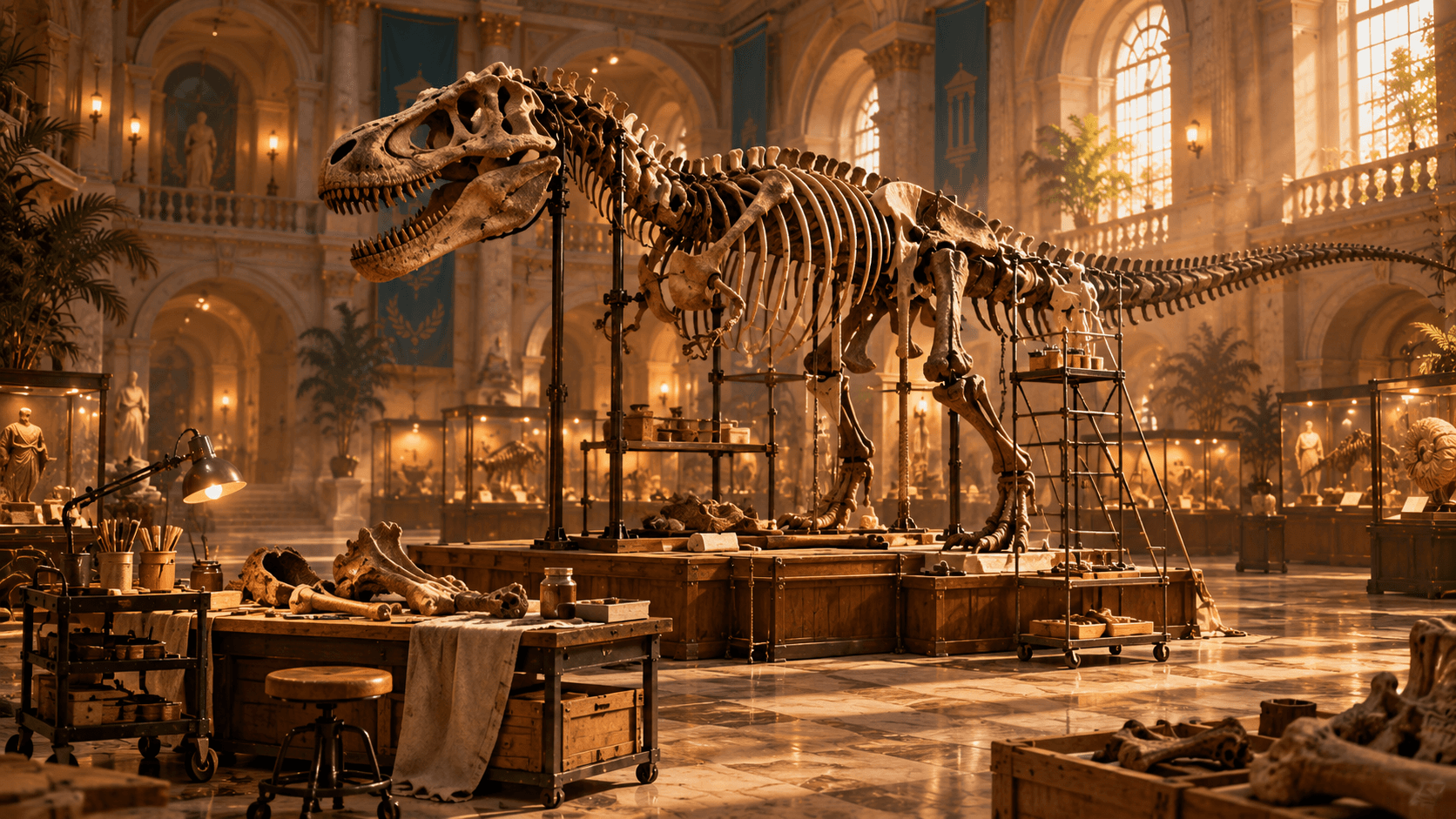
Dinosaur skeleton restoration uses the same carry-and-place logic as artifacts, but each fossil piece belongs to a specific named animal and highlighted mount position. Collected gameplay confirms complete skeleton assembly, dinosaur exhibit keys, and bones distributed beyond the room where the final mount stands. Read the piece name, group fossils by dinosaur or gallery, and move confirmed sets together. You do not need to build from the feet upward; recorded gameplay shows pieces attaching when brought to their matching highlighted slots. If a skeleton is missing one part, search open museum rooms, crates, staging piles, and upper or lower floors before assuming the piece belongs to the same gallery.
How fossil placement works
A loose bone is a movable exhibit item with a specific identity. Its displayed name can include both the animal and the body part, allowing you to distinguish a leg, pelvis, rib section, skull, tail, or other piece. Carry it to the matching dinosaur mount and approach the highlighted position. The game accepts the part when the identity and slot agree.
Recorded footage shows players placing pieces in whatever order they find them, so there is no verified requirement to assemble every skeleton from the base upward. The practical order is logistical: place large or obvious parts first, then audit the remaining highlights. Avoid relying on shape alone because ribs, limbs, and smaller pieces from different animals can look similar on the floor.
- Read the fossil's on-screen name before moving it.
- Group pieces by named dinosaur or by the gallery containing its mount.
- Carry a room-sized batch to reduce repeated trips.
- Use the mount highlight to confirm the exact slot.
- Recheck staging piles and remote rooms when one part remains missing.
Confirmed dinosaurs in collected gameplay
The project footage explicitly names Tyrannosaurus, Utahraptor, Spinosaurus, Therizinosaurus, Triceratops, Protoceratops, Styracosaurus, Pachycephalosaurus, Stegosaurus, Parasaurolophus, and additional fossil pieces. These names confirm that the museum contains several dinosaur displays, but this page does not turn a video transcript into an unsupported promise about the exact final roster, number of parts, or fixed location for each bone.
Use the name shown in your current build as the authoritative assignment. If a piece name is unclear, set it beside other fossils rather than forcing it onto a visually similar mount. Once a related exhibit is unlocked and knowledge is available, the correct relationship becomes easier to verify.
Search beyond the dinosaur gallery
Fossils are not confined to the room containing their finished skeleton. Collected playthroughs show bones in boxes, corridors, cultural galleries, upper levels, and staging areas near entrances. This distribution makes the fossil task a museum-wide sorting problem. Every newly unlocked room should receive a fossil sweep even if its primary theme is not paleontology.
Open containers only when the current ability permits it, inspect behind exhibits, and look across floors before leaving. If inventory is full, move fossils to a consistent collection point rather than mixing them with unknown artifacts. When a gallery opens, transfer only the named pieces belonging there. This method prevents a late-game search through every pile for one small bone.
Dinosaur keys and progression
The research confirms locked dinosaur exhibits opened by keys, including footage of a key opening a Tyrannosaurus exhibit and later access to other fossil rooms. An exhibit can open before every bone has been found, and the information needed for its mounts may be inside or near the gallery. Opening the door is therefore a discovery step, not proof that the set is ready to complete.
Search the newly opened room for knowledge, loose fossils, repair work, and another key before transporting the entire collection. Exact key coordinates for every dinosaur door have not been independently verified in the current project files. Follow the key-locations search method and keep any unconfirmed position labeled as such.
Fix a skeleton missing one piece
First count only the visible empty highlights rather than guessing from the silhouette. Then inspect the floor around the mount, because dropped pieces can roll or land behind the base. Check your fossil staging zones, rooms opened since the last dinosaur pass, and containers that became accessible after an ability unlock. Review item names carefully; the missing part may already be in a pile assigned to the wrong animal.
If an object appears to have fallen through the world or vanished, verify the current game version and consult official Steam discussions. Project research includes official fixes for objects and keys falling through the ground, which confirms that physics issues have occurred. It does not justify inventing a universal respawn method. Lost & Found may help according to its live description, but the precise recovery scope remains to be confirmed.
Complete the room, not only the skeleton
A fully assembled dinosaur can trigger progress, but the gallery can still require cleaning, repairs, lighting, labels, or other exhibit pieces. After the final bone attaches, perform a full perimeter sweep and check the room's condition. Use later restoration abilities on tasks that were visible but unavailable during the first visit.
The collected footage confirms an achievement for assembling a complete dinosaur, but this page avoids claiming the exact current Steam name or hidden conditions without a verified achievement list. Achievement-focused players should use the dedicated page, which separates confirmed total information from conditions still awaiting confirmation.
Efficient fossil workflow for 100%
On the first museum pass, move fossils out of active walkways and group them by any name you can read. On the second pass, after keys open fossil galleries, place confirmed batches on mounts. On the final pass, use completion assistance to find missed repair work and audit every empty skeleton highlight. This keeps the task integrated with normal progression instead of becoming a museum-wide cleanup at the end.
Do not record guessed part totals. Mark each named mount as locked, open, in progress, or assembled, and note whether the surrounding room is complete. The 100% guide combines that checklist with keys, artifacts, labels, abilities, and achievements so a finished skeleton is not mistaken for a finished museum.