
Quick answer
A 100% Tidy Up History run requires more than making the museum look clean. Audit each progression system separately: locked-wing keys, Knowledge Books, identified and placed artifacts, labels, ability-enabled repairs, dinosaur skeletons, room condition, and the 25 confirmed Steam achievements. Work room by room, but keep a museum-wide list because keys, books, and fossil pieces can connect distant galleries. The current research does not verify every exact collectible total, coordinate, or achievement condition, so this guide uses visible room state and official Steam progress instead of invented numbers.
Build a trustworthy completion record
Create one row for each room the game actually shows in your save. Record whether its door is open, condition work is complete, relevant knowledge has been found, artifacts are placed, labels are applied, and special assembly is finished. Add a final column for the game's own completion signal. This method adapts to the current build without relying on an unverified room total.
Keep museum-wide categories below the room table: unresolved keys, unread Knowledge Books, unidentified artifacts, loose fossils, unspent ability points, and locked Steam achievements. A visible zero in each working list is more reliable than a guessed online total. Whenever new information appears, update the record before moving objects again.
- Open every door for which the current game provides a confirmed key.
- Read every Knowledge Book visible in accessible rooms.
- Identify and place every artifact the interface confirms.
- Apply labels through the game's label system.
- Assemble every visible dinosaur mount from named fossil pieces.
- Finish ability-enabled repairs and compare Steam's 25-achievement panel.
Keys and locked wings audit
Walk the full museum and note every locked door by its displayed exhibit name. Match found keys by name; do not assume a nearby key opens the nearest door. Search newly opened rooms for the next progression item while cleaning them. Confirmed themes in the research include Egypt, ancient China, Japan/Korea, Islamic World, Stone Age, Indigenous Peoples of North America, and dinosaur areas, but exact ordering and coordinates remain to be verified in the current build.
If a key is missing after a complete search, update the game and review official Steam discussions because official notes have addressed keys falling through the ground. The built-in code 42144432 grants the Egypt Key for a recovery case. Preserve a normal save before using it when achievements matter.
Knowledge, artifacts, and labels audit
Unknown objects are evidence that the knowledge pass is incomplete. Search open rooms for books, then revisit organized staging piles and move only identified groups. Verify every highlighted display slot. After the objects are stable, work through the label drawers or selector and match labels to the names presented by the game.
When a room remains below complete, separate the diagnosis: empty display, missing label, unknown object, or unfinished condition. Do not repeatedly move a correct artifact because a web or light is still missing. Official update notes confirm label-selector improvements, so ensure the current build is installed if navigation behaves differently from the research.
Abilities and condition audit
Return to early rooms after unlocking restoration functions. Search walls, floors, ceiling edges, lights, containers, and furniture for interactions that were unavailable before. Official notes confirm the optional helpers Historian, Contractor Vision, and Lost & Found, plus a reopenable skill tree and stored points. Use the live node descriptions rather than an unverified fixed build order.
If progression lacks the XP needed for a visible blocker, finish available repairs and placements throughout the museum. The confirmed built-in code 21122124 provides Level Up, but it should be a last-resort recovery choice. The project research does not verify every achievement consequence of cheat use.
Dinosaur skeleton audit
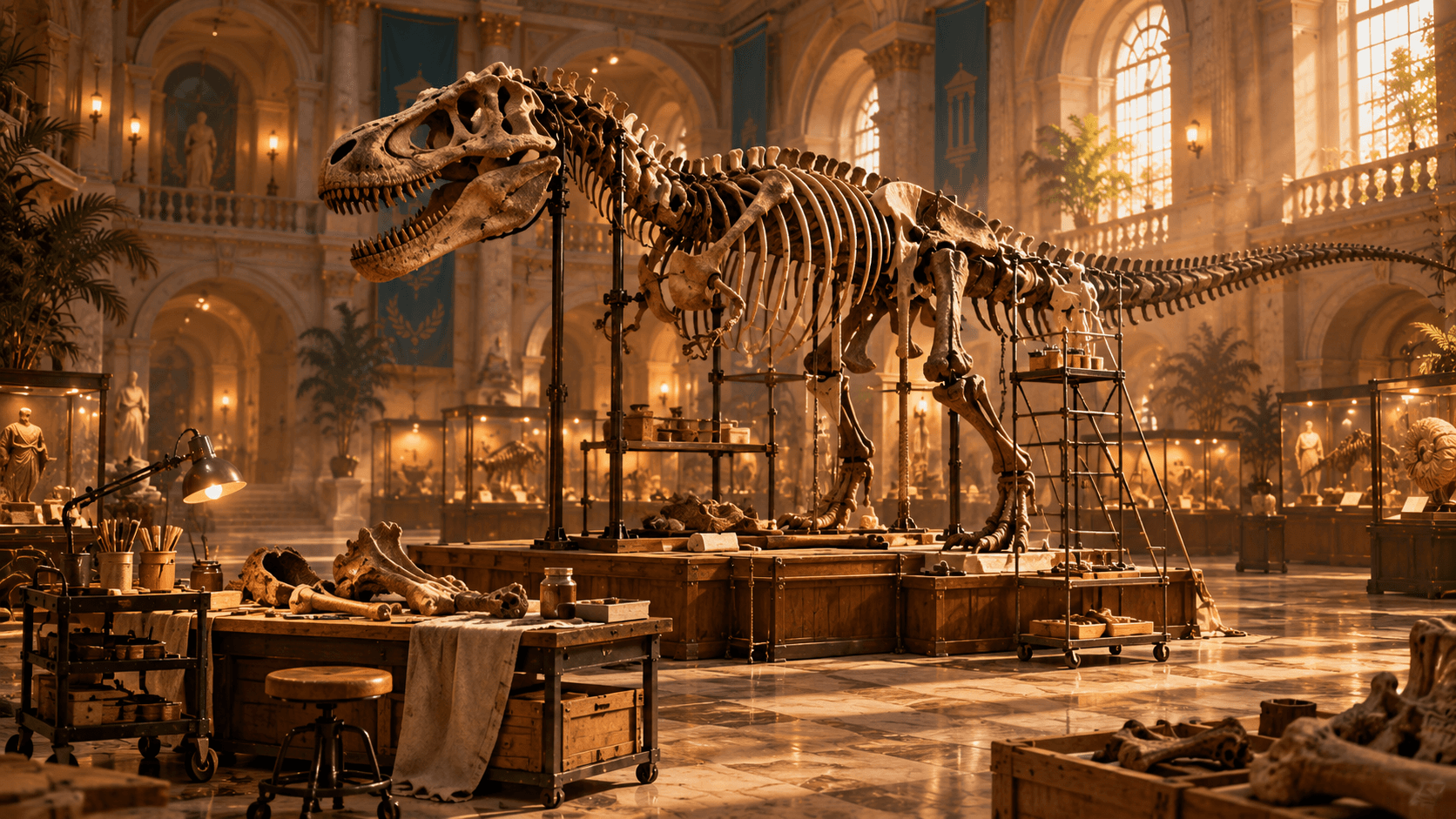
Inspect each visible mount for empty highlighted positions. Read every loose fossil name and sort by dinosaur or gallery. Search outside fossil rooms, because collected gameplay shows bones in boxes, corridors, cultural galleries, and other floors. Recheck the ground around completed mounts for dropped pieces.
A complete skeleton does not guarantee a complete room. Finish the surrounding cleaning, repairs, lights, labels, and any other display items. The footage confirms achievement progress for assembling a complete dinosaur, but the exact official title and all related conditions remain to be confirmed from Steam rather than inferred.
Room-by-room completion audit
Enter each open room from the same direction and follow the perimeter. Scan the floor, wall, ceiling line, display bases, cases, plants, boxes, and furniture. Check behind large objects and above normal eye level. Use Contractor Vision or the current highlight assistance after this manual pass to locate remaining repair work.
Confirm knowledge, artifacts, labels, fossils, and condition independently. A completion celebration or interface signal is stronger evidence than visual tidiness, but the research does not justify publishing a universal exact threshold for every patch. Record what the current game reports.
Steam achievements audit
The confirmed total is 25. Compare the official Steam panel with your completed systems and group any locked entries by their live descriptions: first action, collection, fossil, room, or full restoration. The current project research confirms these broad categories but does not include a fully verified official title-and-condition table, so hidden or exact requirements remain to be confirmed.
If a clearly satisfied achievement does not unlock, verify Steam connectivity, game version, save behavior, and the exact action performed. Project material contains player reports about achievement issues on Windows and earlier save trouble. Preserve the save and report reproducible details through official discussions rather than applying an unsupported file edit.
Final no-guess completion pass
Before stopping, empty every staging pile by either placing a confirmed object or marking it as blocked by missing knowledge or access. Walk every corridor for loose keys and fossils, reopen the skill tree for stored points, and revisit rooms that were cleaned before later abilities became available. Then compare the museum's visible state with Steam's achievement panel.
Any remaining uncertainty should stay explicit. Exact unverified coordinates, totals, secret conditions, and patch-dependent triggers are to be confirmed; they should not be converted into confident instructions. Use the specialist guides linked below to isolate the remaining category, then return to this audit until the game itself confirms completion.